 Adea brand
A friendly octopus for serious agent work.
Adea stands for Agentic Development Environment. The mark is soft and round so the tool feels approachable; the interface around it is compact, calm and precise. This guide covers the logo, app icons, colour, type and voice, with values taken from the Adea UI design system.
Wordmark and mascot
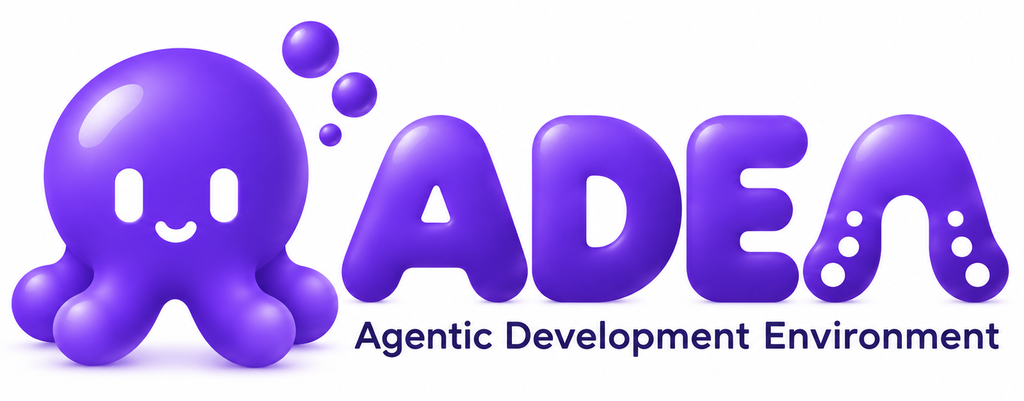
The wordmark pairs the octopus with soft, inflated letterforms. The last letter, A, is drawn as a tentacle with suckers. The mascot alone is the app icon.
Clear space
Keep at least the height of the largest bubble free on every side. Never crop into the shadow beneath the mascot.
Minimum size
The wordmark stays legible down to 160 px wide on screen. Below that, use the mascot icon on its own. The tagline is part of the artwork, so don’t retype it.
 256 px160 px (minimum)
 32 px icon
 16 px icon
The wordmark ships as a raster on white; there is no transparent or vector version yet, because the source art has baked-in shadows. Rebuild from a vector master before using it at print scale.
Three colourways, one mascot
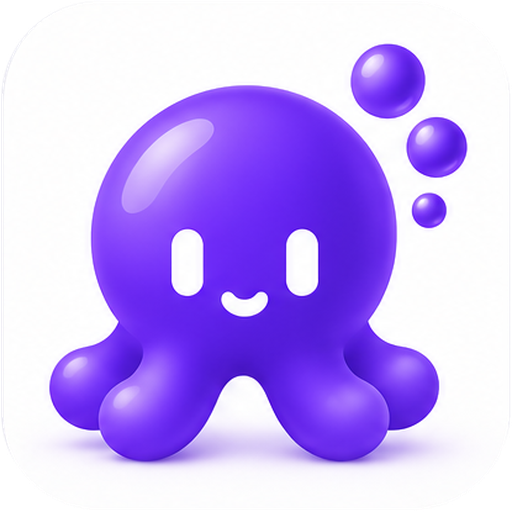
The app icon comes in white, violet and black. All three use the same mascot and bubbles; only the tile changes.
White Default
The dock and desktop icon. Also the in-app mark in light mode.
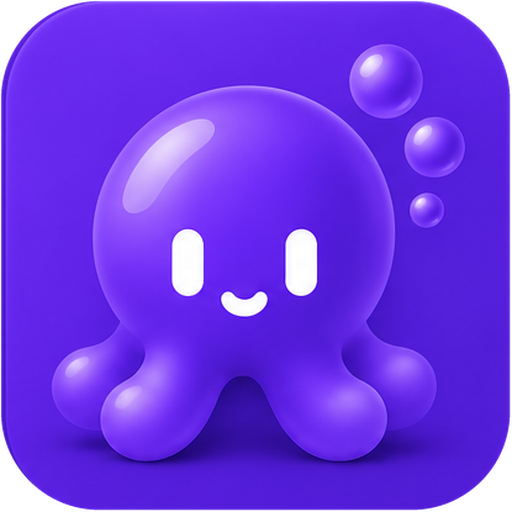
Violet Option
The brand colour as a full tile. Available from Settings.
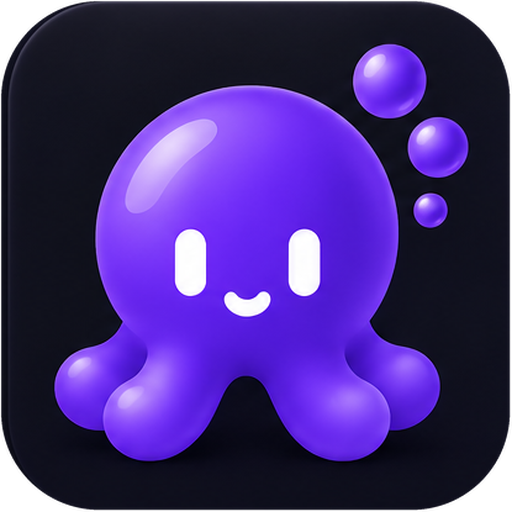
Black Option
A near-black navy tile. Also the in-app mark in dark mode.
Where each one goes
| Surface | Icon |
|---|---|
| Desktop and dock (default) | White |
| Desktop and dock (user choice in Settings) | White, violet or black |
| Inside the app, light mode | White |
| Inside the app, dark mode | Black |
| Favicon, touch icon, social card | White |
Rounded or square
app-icons/rounded/ has transparent rounded corners for desktop and web. app-icons/square/ is fully opaque and full-bleed for stores and platforms that apply their own mask or reject alpha. Windows .ico files are in the rounded set.
Sizes: 16, 32, 64, 128, 256, 512 and 1024 px. The 512 and 1024 px files are upscaled from a roughly 415 px source.
Violet is the brand. The interface stays quiet.
Two brand violets carry the mark. Everything else comes from the Adea UI semantic tokens, which switch with the appearance setting. Use the toggle at the top to see both sets.
Brand
#6D28D9Primary brand colour#A78BFAGloss and glow#5B21B6Depth and pressed states#1E1B4BTagline text in the wordmarkThe raster art contains gradients, so sampled pixels won’t match these hex values exactly. Treat the hex values as the intent and the PNGs as the approved artwork.
Surface ladder
Paint in this order. A card always carries a border.
Interface roles
Status
Accents
People choose an accent in Settings; it replaces primary, primary-hover and ring. Violet is the default. Never hard-code a hue.
Charts
Use chart-1 to chart-6 in order. Pair colour with a label or marker.
Space Grotesk and JetBrains Mono
Space Grotesk is the interface face. JetBrains Mono is for code, terminals, ids and paths. Both are open source (SIL OFL) and bundled in style-guide/fonts/.
Space Grotesk
Interface, headings and marketing. Weights 300 to 700; the product stops at 600.
JetBrains Mono
Code, terminals, commands, ids, file paths and anything compared character by character.
bun run dev
adea/apps/desktop/shell/electrobun.config.tsCompact by default
Two control heights carry the product: 28 px in toolbars and 32 px in forms. Elevation comes from the surface ladder first and shadows second.
Radius
Shadow
Control and row height
Rows are 32 px by default. 48 px is the touch target and never shrinks.
Shell geometry
| Token | Value | For |
|---|---|---|
rail-width | 56px (236px expanded) | Icon rail |
sidebar-width | 256px | Sidebar |
panel-width | 390px | Side panel |
topbar-height | 48px | Top bar |
statusbar-height | 28px | Status bar |
Motion
| Token | Value | For |
|---|---|---|
duration-fast | 120ms | Hover, toggle |
duration-normal | 200ms | Entrances, disclosure |
duration-slow | 320ms | Layout settle |
ease-out | cubic-bezier(0.16, 1, 0.3, 1) | Anything with a direction |
Motion is feedback, not decoration. Nothing changes size on hover, and under reduced motion nothing moves except the spinner.
How the brand shows up in the product
A few components drawn from the Adea UI library, using the same tokens as this page. The real components live in @adea-ai/ui; never restyle them, pick a variant and size.
Buttons
One primary button per view. Destructive only for the action that destroys something.
Badges
Status carries a word as well as a colour, never colour alone.
Field
Settings row
Plain, short and kind
The product is used in long sessions. The personality lives in the mascot; the words stay out of the way.
Write
- Sentence case: “Delete this thread?”, “Workspace settings”.
- Verbs on buttons: “Delete”, “Choose theme”, not “OK”.
- Address the user as you.
- Say what happened and what to do next: “Couldn’t connect. Check your network and try again.”
- Ids, paths and commands go in mono.
Avoid
- Emoji in the interface.
- Title Case On Every Word.
- Exclamation marks and cute error messages.
- Blaming the user: “You entered an invalid value.”
- Calling the octopus anything but Adea in product copy.
Naming
Write Adea (capital A, lowercase rest) in prose and ADEA only where the wordmark artwork is shown. Spell out the tagline as “Agentic Development Environment”.
Contrast and focus are part of the brand
- Body text is
foregroundat 7:1 or better; secondary text ismuted-foregroundat 4.5:1 or better. These pairings are asserted in the design system’s tests, so don’t adjust a value by eye. - Always label a
primaryfill withprimary-foreground. It flips polarity: white on the deep light-mode violet, near-black on the bright dark-mode one. - The focus ring is never suppressed; it is the only keyboard affordance.
- Colorblind and High Contrast themes exist; status never relies on hue alone.
- Give the mascot and wordmark meaningful alt text: “Adea”. Decorative repeats get empty alt text.
What’s in the repository
| Path | What it is |
|---|---|
wordmark/ | Wordmark PNGs at 512, 1024 and 2048 px wide, plus the cropped original. |
app-icons/rounded/<colorway>/ | Transparent rounded icons at 16 to 1024 px, and a Windows .ico. |
app-icons/square/<colorway>/ | Opaque full-bleed icons for stores and platforms that mask the icon themselves. |
favicon/ | Favicon, Apple touch icon and 192 / 512 px web app icons (white colourway). |
social/social-preview.png | 1280 × 640 card for GitHub and link previews. |
tokens/ | colors.json and adea-ui.css: the semantic colour tokens used on this page. |
style-guide/ | This page and its bundled fonts. |
source/ | The original approved reference boards. |